
Shooting my third Australian Open. Here are some highlights and a recap of the first eleven days. Enjoy!
Day 11
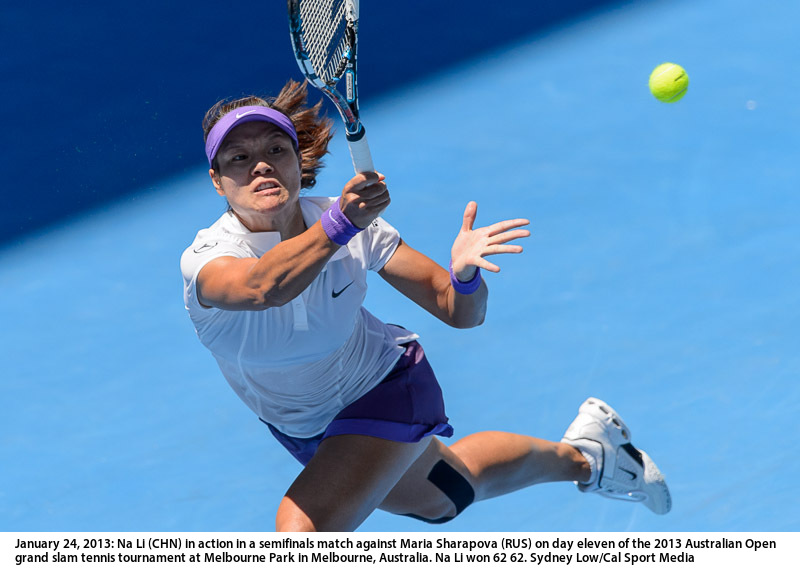
Day 10
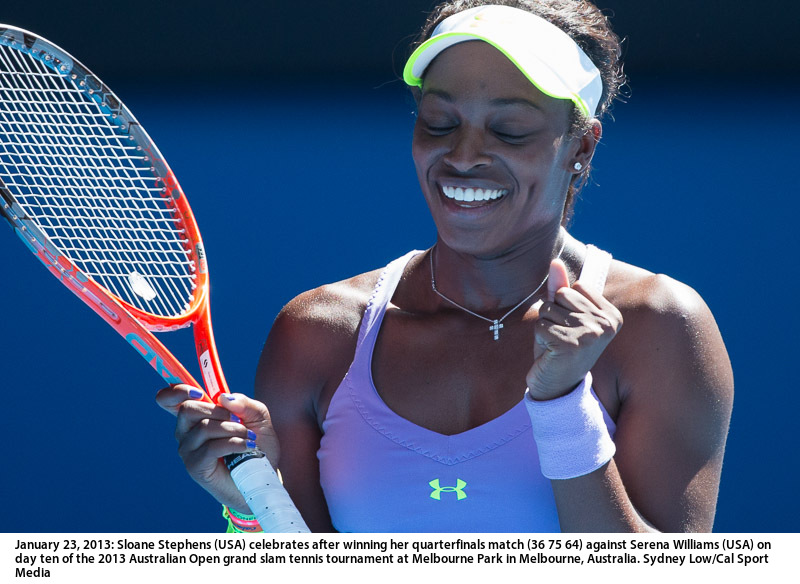
Day 9
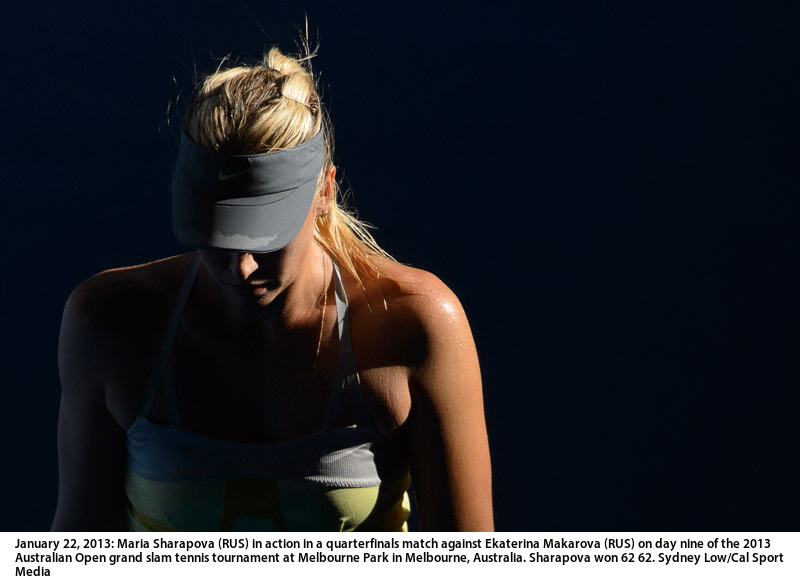
Day 8

Day 7
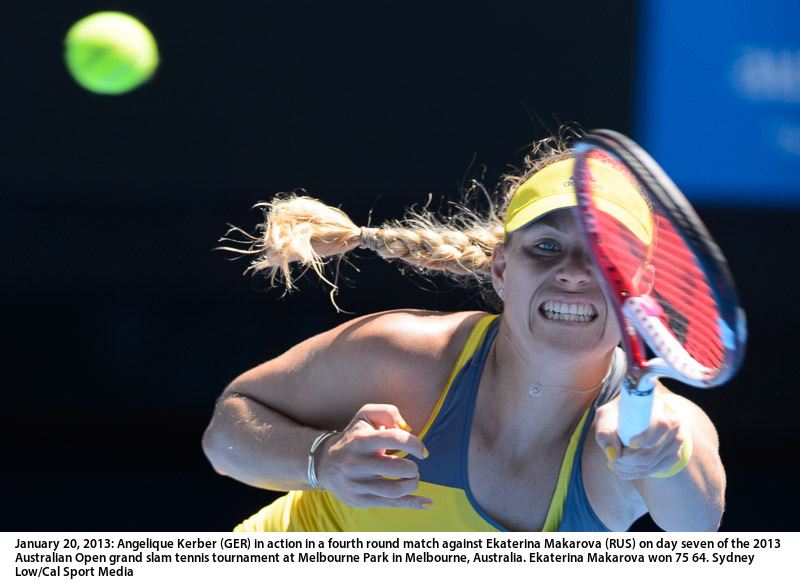
Day 6
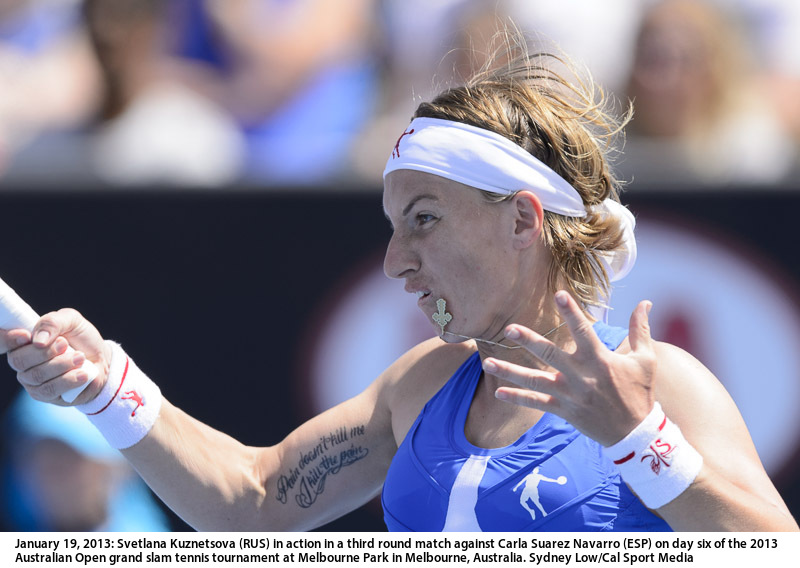
Day 5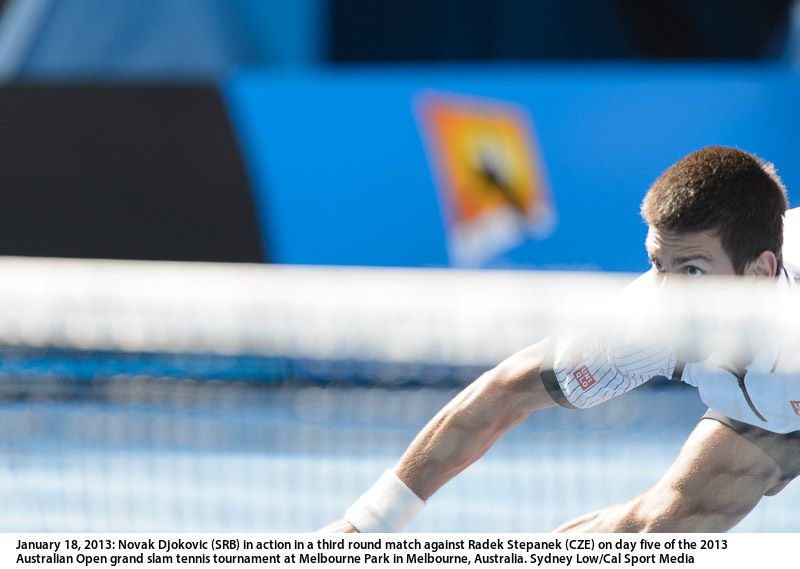
Day 4

Day 3

Day 2

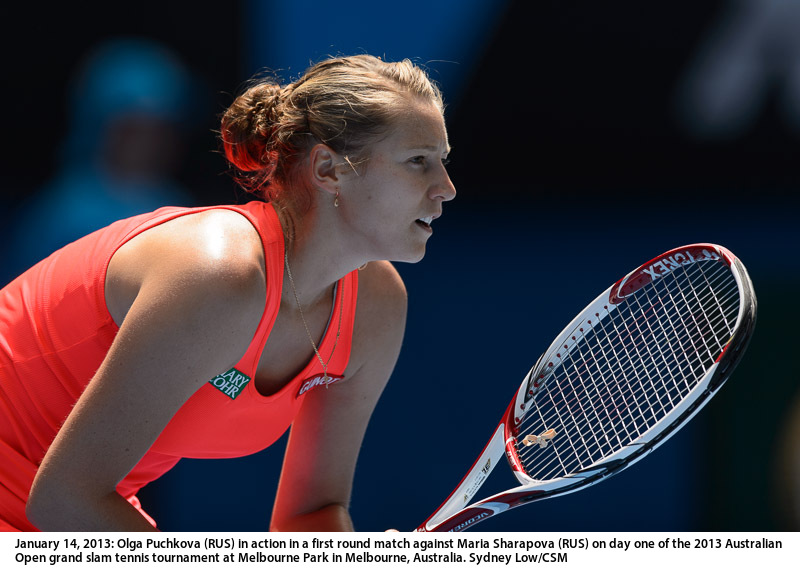
Day 1
Blog
AAMI Classic 2013
I missed shooting this event in 2012 but am back for this year. It’s a lovely warm up tournament for the players and the photographers. Here’s a link to all the images.

Nikon D4 Autofocus woes and the Canon 1DX
“it is VERY important to me if the autofocus is perfectly accurate. I need an reliable autofocus system that will never just stop focusing because the lack of contrast”
http://mortenhilmer.com/2012/photo-gear/working-with-the-nikon-d4-and-the-canon-eos-1dx/
Melbourne Victory Women’s Team – portrait sessions
Last month I shot the Melbourne Victory women’s team over 3 sessions. You can check them out here:
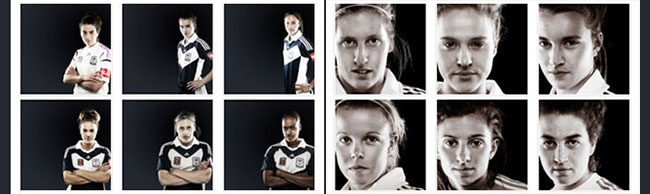
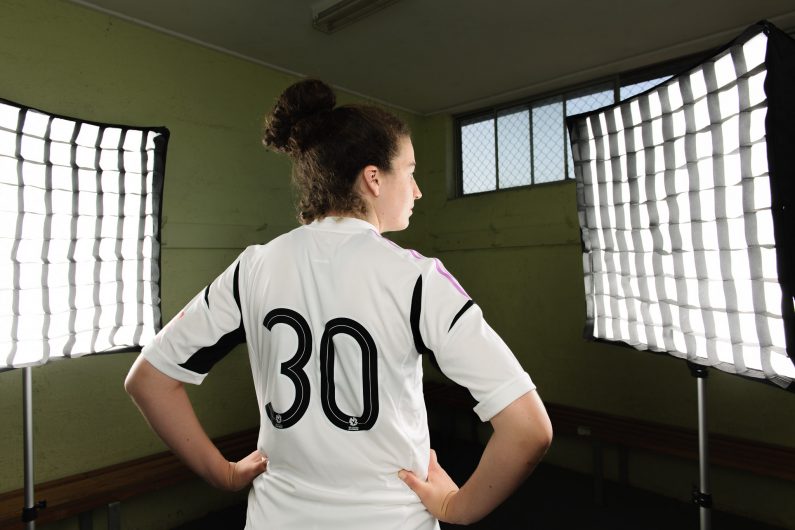
And here’s a behind the scenes setup shot of the 3-lights setup in a small changing room at their training ground:
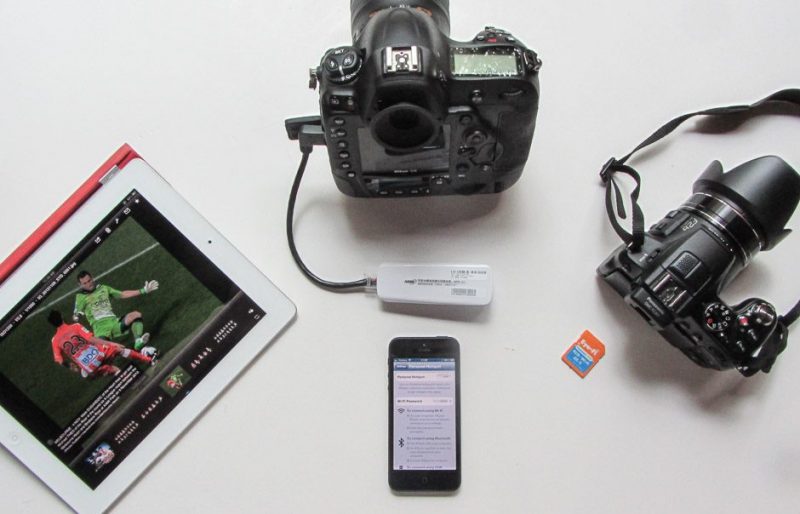
Wireless sports shooting: Nikon D4, FZ200, EyeFi, iPad, iPhone5, HAME, Shuttersnitch and Photogene
What a mouthful. This post is about how to connect cameras wirelessly to an iPad so images can be edited and captioned, and uploaded live to services on the Internet live during an event. For most agency and wire service photographers, the typical setup is to ingest images from their cameras’ memory cards via a card reader several times during an event, edit, caption and upload 3-4 times during an event. However, in the age of Twitter, Facebook and live blogging, the need for getting images online asap is the key challenge for photographers today.
This setup solves a number of bottlenecks and constraints with current solutions:
- Must work with low cost wifi devices
- Doesn’t need a separate 3G/4G dongles
- Doesn’t need a portable battery powered wireless router
- Replace the need for a laptop
- Remove the delay of having to ingest images from a memory card
So the components of this setup comprises:
- HAME MPR-A1 wireless device
- iPad with Shuttersnitch and Photogene software
- iPhone with Internet connection (needed if iPad doesn’t have data connection)
- Eye-Fi card for cameras that uses SD format memory
This is how it all connects up:
- Transfer images wireless from Nikon D4. I didn’t want to pay AUD$1,000 (US$500) for the Nikon WT-5 wireless transmitter when USB transmitters are readily available for $20. In the Canon world, the WFT-E6 is similarly priced. Since two flagship sports cameras Nikon D4 and Canon 1Dx both have an ethernet port the obvious solution was to find an ethernet to WiFi bridge device. After hours of searching the Net, the $25 HAME MPR-A1 works a treat. The A1 isn’t generally available in shops but there are lots of ebay sellers. The A1 has lots of functions but the one that’s needed for this setup is to act as a wireless ethernet bridge, converting the camera’s ethernet port into a wireless link. Just get a short ethernet lead and plug the camera into A1. Come on Nikon, you don’t need to charge $1,000
- Once the A1 and the iPad is connected to a WiFi network the Nikon D4 is setup to transfer images to the iPad using the ShutterSnitch software. For more information on ShutterSnitch+iPad, Rob Galbraith has a detailed writeup about this setup. The A1 allows you to transfer JPEG and RAW images – it’s your choice. For me, I send JPEG and keep the RAW on a card in the camera. After the image arrives on the iPad, I am using the Photogene app to crop, caption and upload the images to the Net. I can shoot and upload in under 30 seconds with this setup.
- I have a perfectly good and superfast 4G/LTE connection on my iPhone. So I didn’t want to buy another data service from my mobile provider to upload images. So my solution is to startup a Personal Hotspot from my iPhone and the A1 and iPad connect to this hotspot. If you have an iPad with a data connection you can have the iPad setup a hotspot and share that instead. The A1 doesn’t care.
- I have a camera with a SD card slot so I wanted to have that connect to my iPad too. A US$60 Eye-Fi card is all you need. The iPad with ShutterSnitch will accept photos simultaneously with the A1.
In the next post I’ll write about setting up the A1 with the Nikon D4.